
Installing and managing mods
The announced Mod Hub supports browsing, subscribing and automatic downloads from the main menu. Exact release-build screens still need confirmation.
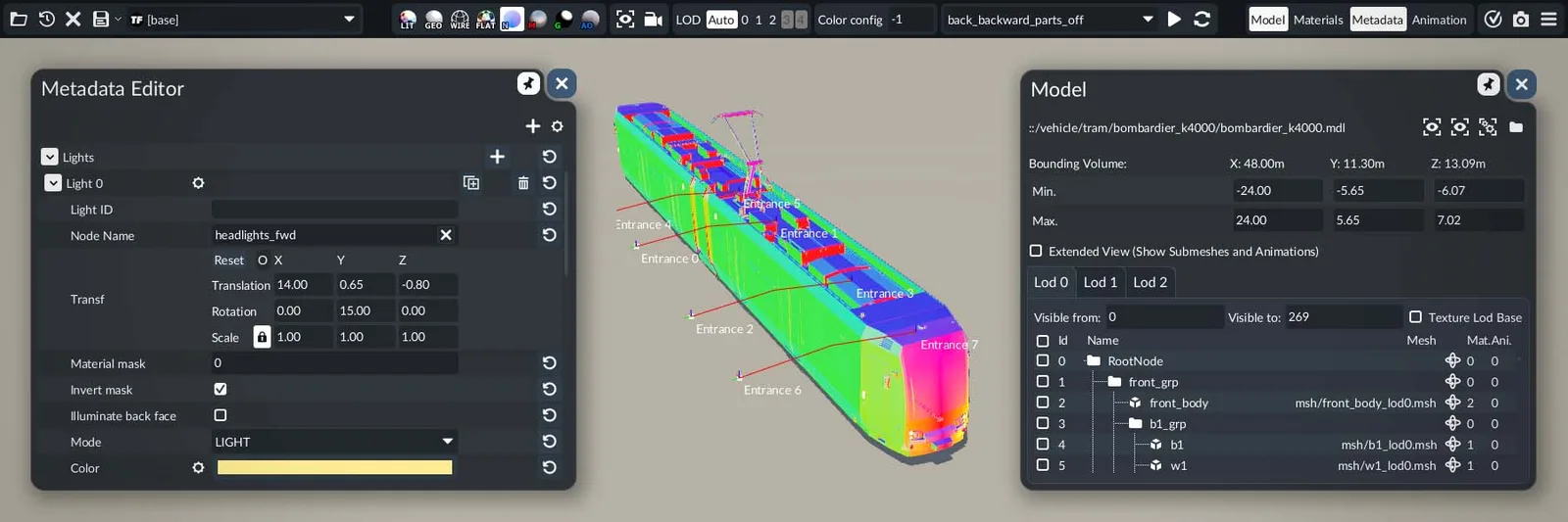
What we know
Choose the mode around the journey
How to approach the decision
Editorial planning advice based on the confirmed systems above.
- Confirm the platform and current game version in the listing.
- Inspect required dependencies before enabling the mod.
- Back up an important save and test changes on a separate save.
- Record the mod IDs and versions when reporting a problem.
A mistake to avoid
Do not follow an assumed TF2 installation path or menu sequence: TF3’s released workflow is not verified here.
Unknown values and independent test scope
Exact numerical values, release-build menus and reproducible gameplay tests will be added only after verification.
Official documentation, historical developer statements and editorial inspection advice have separate scopes. Exact unobserved values remain Unknown. A published global patch does not establish an independent test of this guide.
network checklist
Use your own scenario values. No guessed TF3 presets.
Official sources
Highlights dev blogOfficial support FAQPage source review: 2026-09-25. Evidence policy and source ledger.
Continue through the atlas
Explore 11 related records and field guides
All source-backed records · Build research records · Version and updates